How to Get the 2000s Flip Phone Camera Filter Look
Get the 2000s flip phone camera look in your browser: low-MP CMOS sampling, posterized highlights, JPEG blocks, and cool magenta cast. Export PNG free.
TL;DR
- Authentic mid-2000s flip phone photos get their texture from tiny low-megapixel sensor capture, heavy 8x8 JPEG macroblocking, and stepped tone compression—not just film grain.
- Camera Filters pairs Canon PowerShot G2 downsampling (0.012 MP) with Posterize, JPEG Damage, cool magenta White Balance, and soft Vignette.
- Open the Flip Phone recipe in your browser, swap in your photo, compare 0.012 MP against 0.3 MP, and export a PNG free.

To make a modern smartphone photo look like it came off a 2004–2007 flip phone rather than a warm vintage film camera, you need genuine low-resolution CMOS sampling, subtle highlight clipping and banding, visible 8×8 JPEG compression blocks, and cool indoor magenta white balance drift. Camera Filters bundles all five stages inside its curated Flip Phone Look—opened preloaded on our worked flip phone recipe—so you can upload a photo directly in your browser and export a PNG free.


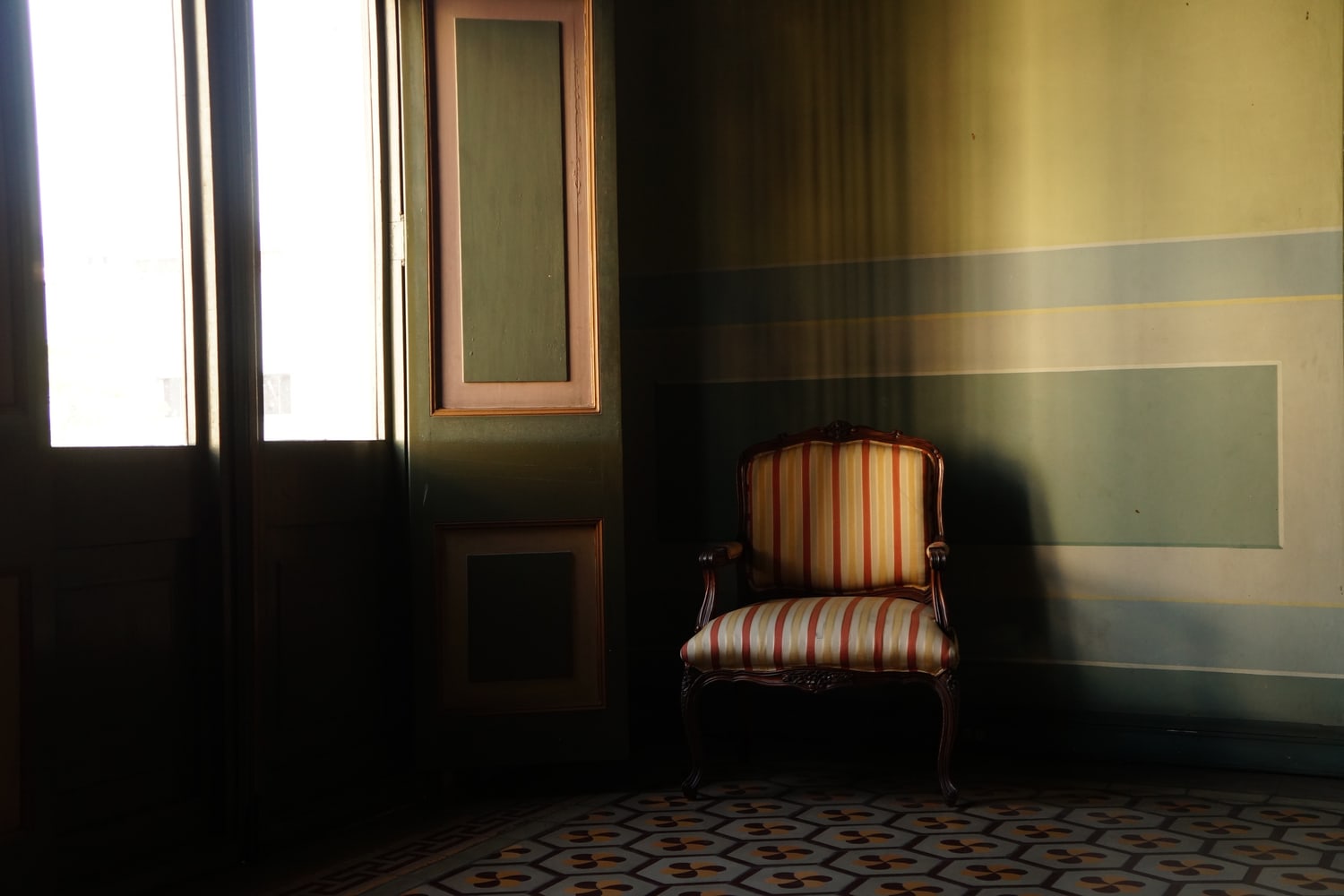
Try the flip phone filter on your photo. Choose Open photo to load a candid hallway snap, night party shot, or coffee shop photo while keeping every effect active, or download the practice photo (1500 × 1000 JPG, CC0). Looking for dedicated CCD glass bloom (0.65 MP point-and-shoots) or amber VHS camcorder date stamps instead? Read our digicam filter guide and camcorder REC overlay tutorial on Artfkt.
Why early phone cameras looked nothing like film or later digicams
Most “2000s camera” apps simply slap film grain and a teal-orange fade over a crisp 12-megapixel phone file. Real flip-phone sensors sampled barely 0.01 to 0.3 megapixels onto tiny plastic optics, struggled to balance cool fluorescent/indoor shadow tints, clipped bright windows softly, and compressed images aggressively at save time (JPEG quality ~16).
Each 2× enlarged crop below separates sensor downsampling from JPEG compression artifacts and megapixel resolution jumps:


- Canon PowerShot G2 drives the optical-digital heart: low Capture Resolution (MP) (
0.012for chunky early-2000s MMS resolution;0.3for later Razr/VGA clarity), Highlight Blooming (0.40), plus Luminance (0.35) and Chroma Noise (0.60). - Posterize (
Levels 10) introduces the subtle 8-bit tonal stair-stepping visible across walls and dim corners. - JPEG Damage (
Quality 16, Color loss 1.6) supplies the telltale 8×8 DCT compression blocks that software grain never mimics. - White Balance (
Temperature -0.05, Tint +0.35) tilts shadows toward cool plum-magenta, while Vignette (Strength 0.45) darkens the lens perimeter.


Give your photo the flip phone look in four steps
- Open the flip phone recipe and choose Open photo. All rendering stays private on your device (how to use camera filters covers export controls and privacy).
- Open Active FX (bottom FX tab on phones) and inspect Canon PowerShot G2 at the top of the stack. Slide Capture Resolution (MP) between
0.012(chunky MMS aesthetic) and0.30–0.65if small faces look too coarse. - Tune JPEG Damage → Quality (
12–28) to control how aggressively compression blocks punch through gradients, and lower Posterize → Levels (8–12) for punchier shadow banding. - Click Export → PNG (or turn off the small default Artfkt watermark free in Settings → Export Settings).
| Effect | Parameter | Value |
|---|---|---|
| Canon PowerShot G2 | Capture Resolution | 0.012 MP |
| Canon PowerShot G2 | Chroma / Luma Noise | 0.60 / 0.35 |
| Canon PowerShot G2 | Highlight Blooming | 0.40 |
| Posterize | Levels | 10 |
| JPEG Damage | Quality / Color loss | 16 / 1.6 |
| White Balance | Temperature / Tint | -0.05 / +0.35 |
| Vignette | Strength / Clear radius | 0.45 / 0.35 |
How is a flip phone filter different from a digicam or camcorder effect?
Compare three early-2000s branches cleanly:
- Flip Phone Look (
0.012–0.3 MPlow-res CMOS +JPEG Damage+Posterize+ magenta tint). - 2000s Digicam (
0.65–1.5 MPCCD pocket cameras covered in our digicam guide—sharper glass, less JPEG crushing). - VHS / Camcorder REC (analog tape horizontal scanlines + red REC/timecode overlay built in Artfkt’s camcorder effect guide).
Desktop Artfkt expands this workflow with saved .artfkt project files, saved custom Looks, live webcam/animated Variation rate noise for motion clips, masks, and full Export presets across all 392 effects.
Make something unexpected
No subscriptions. More room to create.
Bring all collections and multiple image layers together in one desktop studio. Build a look, shape its motion, and save your next starting point.
Pay US$29 once at launch (regularly US$39). Includes all current collections and Artfkt 1.x updates.
Future major upgrades are not included.